Steady gives every paying member a private RSS feed for your members-only episodes. Turn the feed on once, and each member gets a personal link they can add to any podcast app – only active members can listen. Activating the feed is also the step that lets you publish your members-only episodes on Spotify.
New to Steady as a podcaster? Start with our introduction to using Steady as a podcaster.
The RSS feed works no matter how you publish your episodes:
You can activate the feed once your podcast is set up on Steady. If you host it on Steady, you also need at least one published episode. Don't have a podcast yet? Start with one of the options above.
In the sidebar, go to Settings → Podcast Feeds and click the podcast you want to activate the feed for.
Under Distribution, switch on Activate the audio RSS feed.
Click Save.
That's it – your feed is live, and members can now subscribe (see below).
Activating the RSS feed is also a prerequisite for publishing your podcast on Spotify. Once your podcast is on Spotify, you can only deactivate the feed after removing the show from Spotify.
With so many hosting options, it can be hard to know which is right. Two pointers:
Already publish a free podcast on Podigee or Spotify? It usually makes most sense to deliver your members-only episodes there too, so listeners don't have to switch apps. Go with the platform most of your audience already uses.
Brand-new podcast, supported by paying members from the start? Steady's own audio RSS feed is probably the best fit. You can also send each episode straight to supporters by email, so members never miss one.
Your paying members subscribe to your exclusive podcast straight from the RSS feed. We use Podlove so they can add the feed to the podcast app of their choice in a couple of taps.
After buying a plan, members can get your podcast here:
the Get Podcast button on the thank you page,
the Get Podcast button on their membership page in their Steady account,
the podcast feed link in the confirmation email they receive after purchase (it takes them to their membership page).
If you also publish on Spotify, they additionally see an On Spotify button.
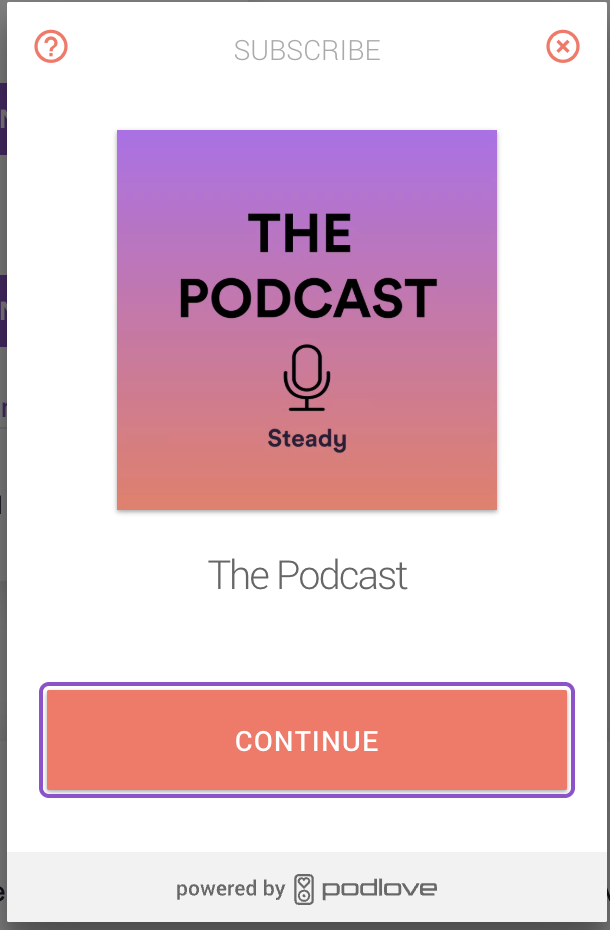
Clicking Get Podcast opens the Podlove window with your podcast's cover and title:
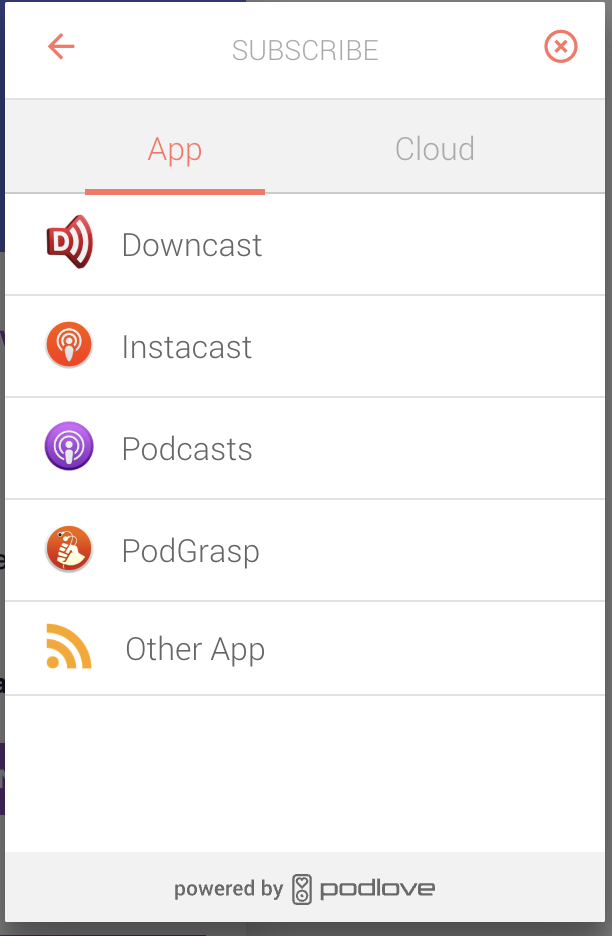
Next, the member picks where to subscribe. Choosing an app opens it and subscribes them there, so they never miss a new episode:
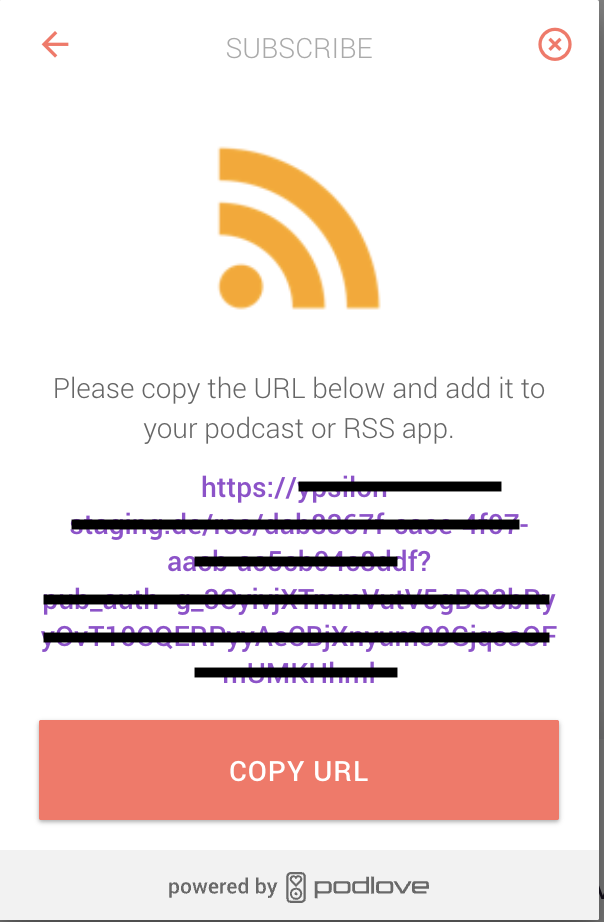
If they choose Other App, they see their personal RSS feed link to copy and paste into any app:
All of this is explained in our article for members – feel free to share it with them.
They lose access to the exclusive episodes when their membership ends, and their personal feed stops delivering them.
All episodes you publish to the feed that their plan gives access to. If you publish an episode for everyone (without a paywall), it's in every member's feed and open to everyone on your Steady page.
Email us at [email protected] and we'll be glad to help.
Related articles