
What you can insert
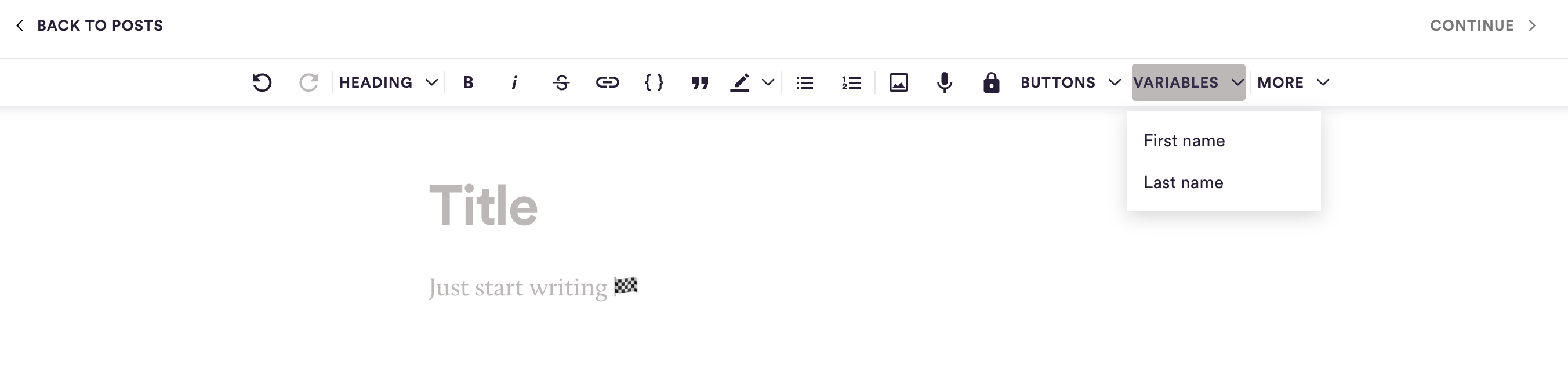
You can address readers by name with two variables: First name and Last name. When the email is sent, each recipient sees their own name in place of the variable.
Where variables work
Post emails: in the email subject and in the text of the post.
Drip campaign emails (Email Automation): in the subject and in the email text. The inbox preview text can include a variable too!
Where variables don't work
Post title and code blocks: the Variables menu is greyed out there.
Preview text of a post email: names aren't filled in here.
Public post page, RSS feed and podcast feed: these aren't sent to one person, so the variable is removed and nobody's name is shown. The same goes for the teaser text and the headline that are filled in automatically from your post.
What happens if we don't know someone's name
Not every reader has a name on file, for example many free newsletter subscribers. In that case there is no replacement word: the variable is left out, together with the space before it. "Hi {First name}," becomes "Hi,". A name entered as "-" counts as no name.
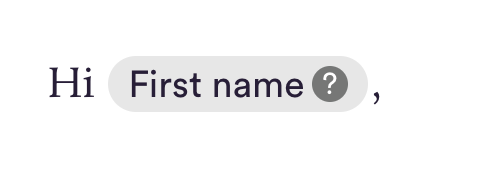
To see both versions, click the ? on the variable in the editor. It shows the line with a name and without one.
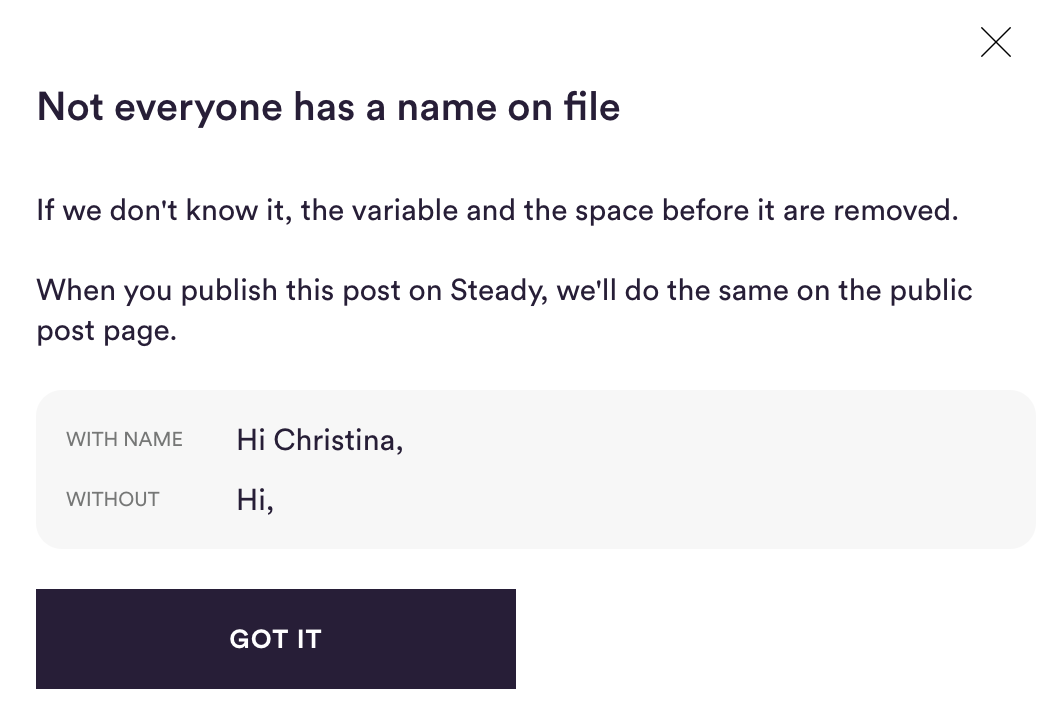
Build sentences that still read well without the name. Avoid putting the variable at the start of a sentence or in the middle of one.
Always insert variables from the Variables menu
Email text: click Variables in the editor toolbar and choose First name or Last name. The variable appears as a highlighted block.
Subject: use the Insert variable drop-down next to the subject field.
Don't type variables by hand or paste them from other tools, such as {{name}} or *|FNAME|*. They won't be recognised and could show up in your readers' inboxes as written.
Check with a test email
Test emails use the name on your own Steady account, so you can see how the personalised version looks before you send.